Your package has arrived
Now what? Here's how to get it.
4 quick steps inside your locker dashboard to turn a received package into a delivery at your hotel, Airbnb or airport — or a pickup at our Miami office.
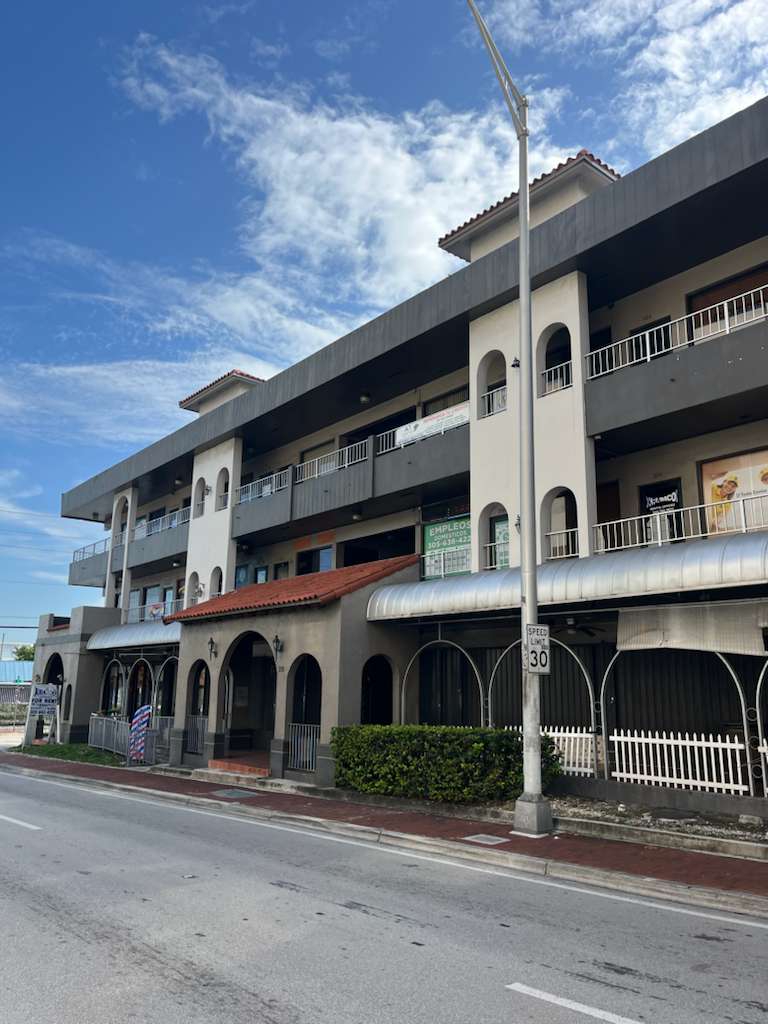
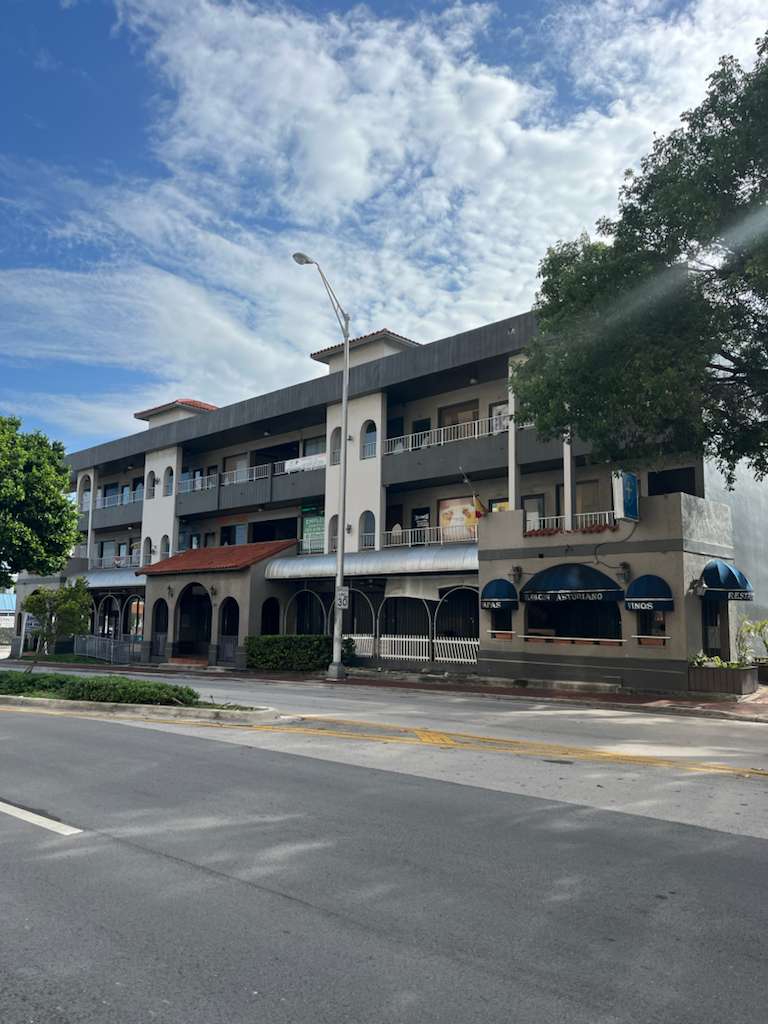
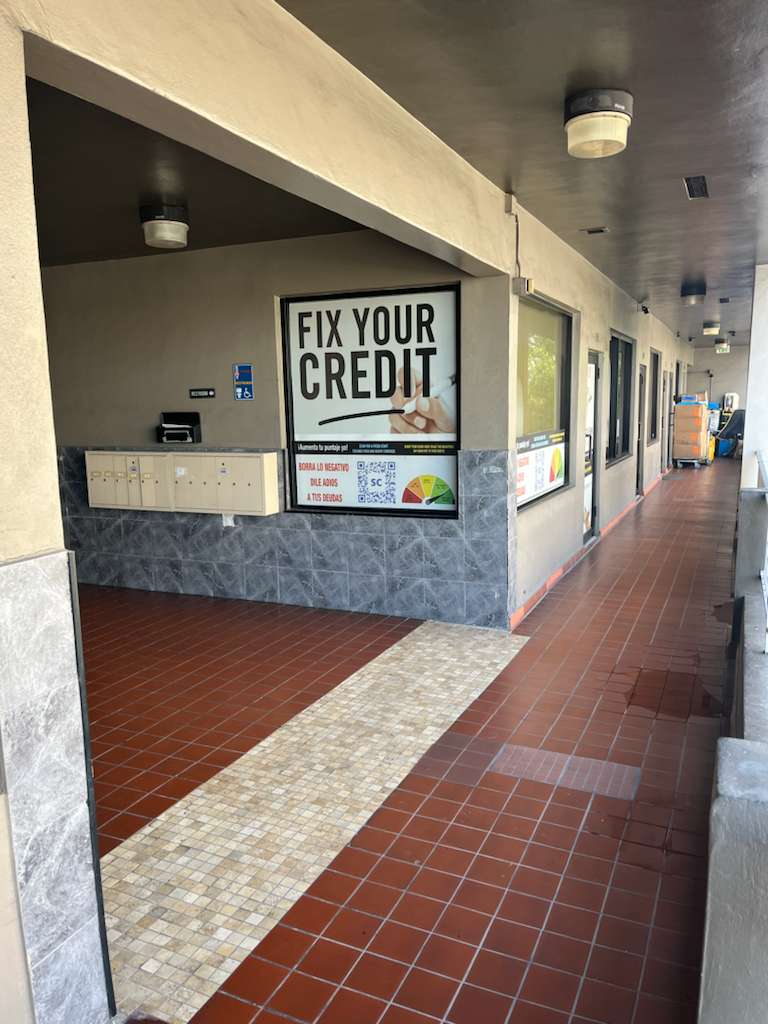
Real photos from our Miami office — not stock images.
Open the link in your email
The "package arrived" email signs you in automatically. You'll land on your locker dashboard with every received package — tap the checkmark on the ones you want to send now.
Your locker
Choose pickup or delivery
Pick up your packages yourself at our Miami office, or have us deliver them straight to your hotel, Airbnb, MIA or FLL airport. Available delivery zones appear directly in your dashboard.
Pick a date and time
Choose whatever day and time slot works with your trip. Need something outside normal hours? There's a special-schedule option too.
Review the total and pay securely
See exactly what you're paying for — packages, reception fee and delivery — then pay by card or PayPal. You'll get a signed delivery guide right after.
That's it — you're done!
We'll email you a signed delivery guide right away, and you'll get another WhatsApp/email update once it's on its way to you.
Photo verification
Every box is photographed and uploaded to your private dashboard. You see exactly what's yours.
Safe through plan changes
Flight delayed? Airbnb check-out early? Your packages stay safe with us until you say.
Bilingual support
English and Spanish support via WhatsApp, email and phone — in minutes, not days.